


Optimize Your Home Screen for Maximum Efficiency
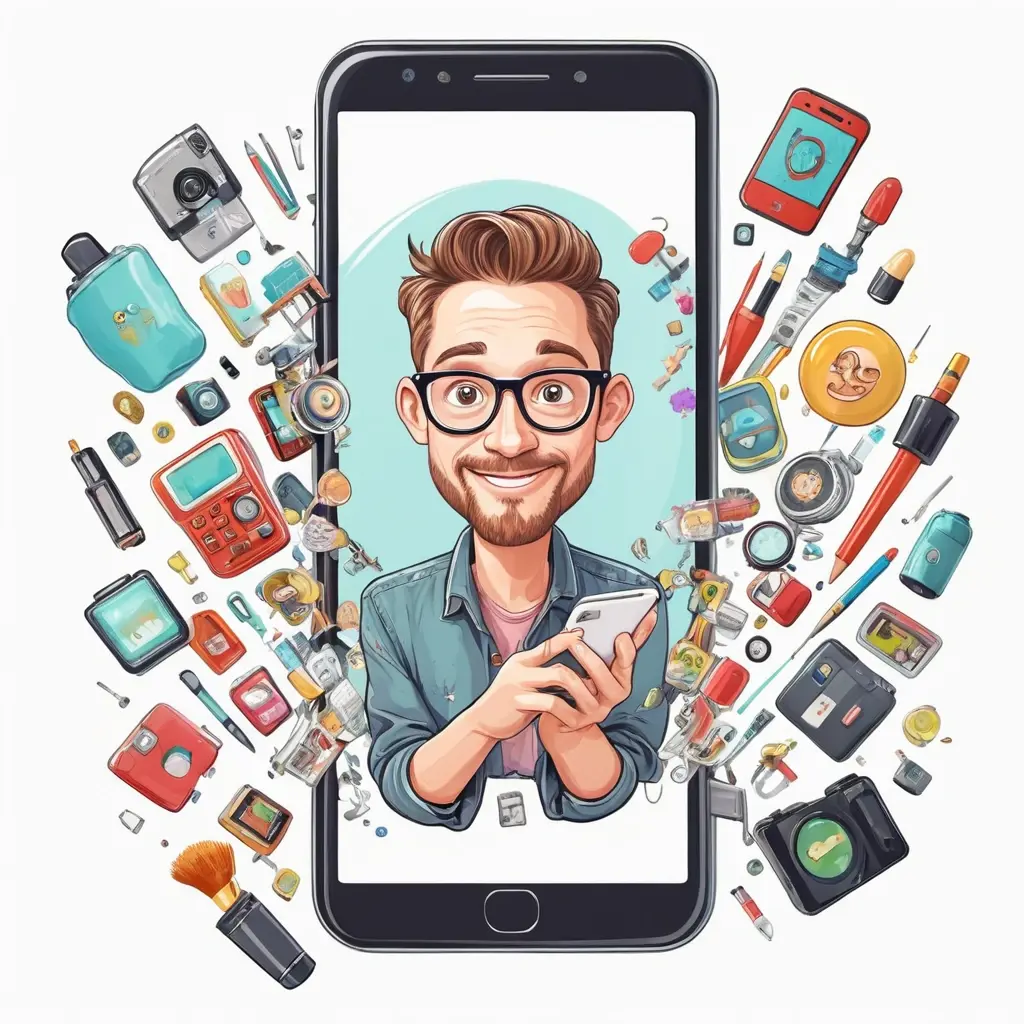
One of the most effective ways to simplify your digital life is by customizing your home screen to prioritize what matters most. Start by decluttering it—remove apps you rarely use and organize frequently accessed ones into folders or on dedicated pages. Use clear, labeled folders to categorize apps such as productivity, social media, finance, and entertainment.
Consider using app docks or status bar shortcuts for quick access to essential apps like messaging or navigation. Many smartphones also allow you to create personalized widgets that display weather, calendar events, or news feeds, reducing the time spent opening multiple apps. For example, placing a calendar widget on your home screen can help you stay on top of your schedule without navigating through menus.
Leverage Built-in System Features for Better Organization
Modern smartphones come equipped with features that can dramatically increase your efficiency. Utilize ‘Focus Mode’ or ‘Do Not Disturb’ settings during work hours to minimize distractions. Custom alerts for specific contacts can ensure you don’t miss critical messages while blocking less urgent notifications.
Android and iOS devices offer customization options like setting specific wallpapers for different modes, automating tasks, and enabling dark mode to reduce eye strain. For instance, automatically switching to a ‘Night Mode’ at sunset can help you wind down and improve sleep quality—something increasingly backed by studies showing the impact of blue light on sleep.
Adjust Settings for Privacy and Security
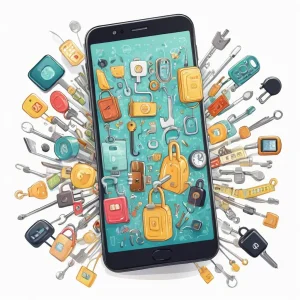
Securing your digital space is crucial to simplify your overall digital life. Strong, unique passwords for each app, two-factor authentication, and biometric security features such as fingerprint or facial recognition can protect your data without adding complexity.
Review app permissions regularly—disallow access to features like location or camera if unnecessary. Also, enable options like ‘Find My Device’ to quickly locate, lock, or wipe your device if lost. Simplifying privacy settings can reduce anxiety and streamline your digital interactions.
Customize Notifications for Less Clutter
Notification overload is a significant source of distraction. Customize alerts for each app, prioritizing only the most important ones. For example, allow notifications for work emails but disable social media alerts during work hours.
Use notification channels or categories (supported by Android 8.0+) to fine-tune what triggers alerts. This way, you avoid constant interruptions, maintain focus, and make your smartphone a tool for productivity rather than a source of stress.
Adopt Minimalist and Consistent Themes
Visual clutter adds to mental clutter. Choosing a minimalist theme with consistent icon styles and subdued colors can make your screen easier on the eyes. Many launchers and themes also support custom icon packs, simplifying the visual landscape of your device.
According to user feedback and design principles, a clean, easily navigable interface improves overall user experience and reduces decision fatigue—valuable in today’s fast-paced digital world.
Author’s Advice:
“Invest a little time into customizing your smartphone—it pays off by saving you time, reducing stress, and making your device truly yours. Focus on what matters most, and let your device serve you, not the other way around.”
Regular Maintenance and Updates
Finally, keep your device optimized by performing regular software updates and clearing cache files. Updates often include security patches and performance improvements, crucial for a smooth experience. Regularly reviewing your app list and removing unused apps prevents clutter and potential security risks.
Set aside a few minutes monthly for maintenance—it’s a small effort for a significantly streamlined digital life. Embrace automation where possible, like scheduling backups or cleaning caches automatically, to further reduce manual effort.
Conclusion
By employing these essential smartphone customization hacks, you can vastly simplify your digital interactions. From organizing your home screen to securing your data and adjusting notification settings, each step contributes to a more efficient, less stressful digital experience. Remember that personalization is ongoing—regular tweaks will ensure your device continues to serve your evolving needs. Take control today, and turn your smartphone into a powerful, simplified tool that enhances your daily life.
Q_A_BLOCK
Q1: How can I declutter my home screen effectively?
A1: Start by removing seldom-used apps, grouping similar apps into folders, and prioritizing frequently used ones on the main screen or dock. Use widgets to display important information at a glance, reducing the need to open multiple apps.
Q2: What are some security features I should enable on my smartphone?
A2: Enable biometric authentication (fingerprint or facial recognition), activate two-factor authentication for accounts, keep your software updated, and review app permissions regularly to prevent unauthorized access to sensitive features.
Q3: How do I manage notifications to avoid distraction?
A3: Customize notifications per app, allowing alerts only for essential apps. Use notification channels or categories to prioritize important alerts and mute or disable less relevant notifications during focused periods.
Q4: Are there any recommended tools or apps for customization?
A4: Many devices have built-in customization options, but you can also explore third-party launchers, icon packs, and automation apps like Tasker or IFTTT which allow advanced personalization and automation for improved productivity.